This can be helpful if you seem to be having view issues in ClaimsXPress. Ex. the notepads you are seeing aren't for the claim you are in, your diaries aren't appearing, the claim information is not coming up properly for the claim you have searched for, etc.
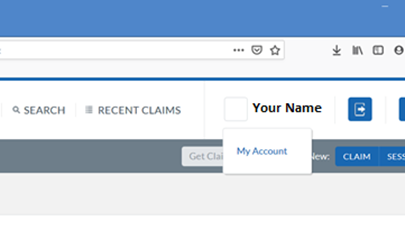
1. Click on the square next to your name in the very top right corner of the ClaimsXPress Window
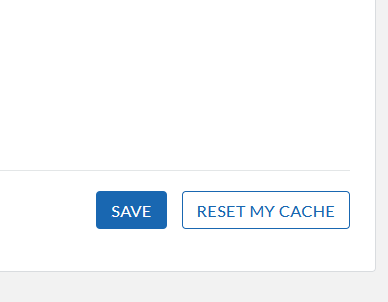
2. In the bottom right corner of the My Account page look for a button that says "Reset my Cache" and click
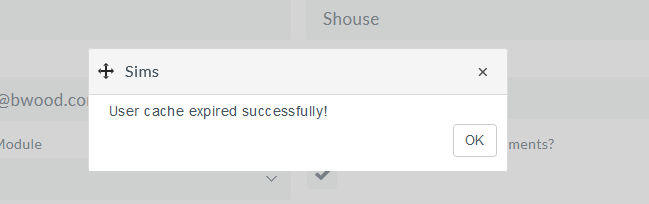
3. You will see an alert window that says "User Cache expired successfully!" click OK
4. Log out of ClaimsXPress completely and log back in again, everything should function like normal, If not you may also need to clear your browser's cache, Click here for links to those articles.